
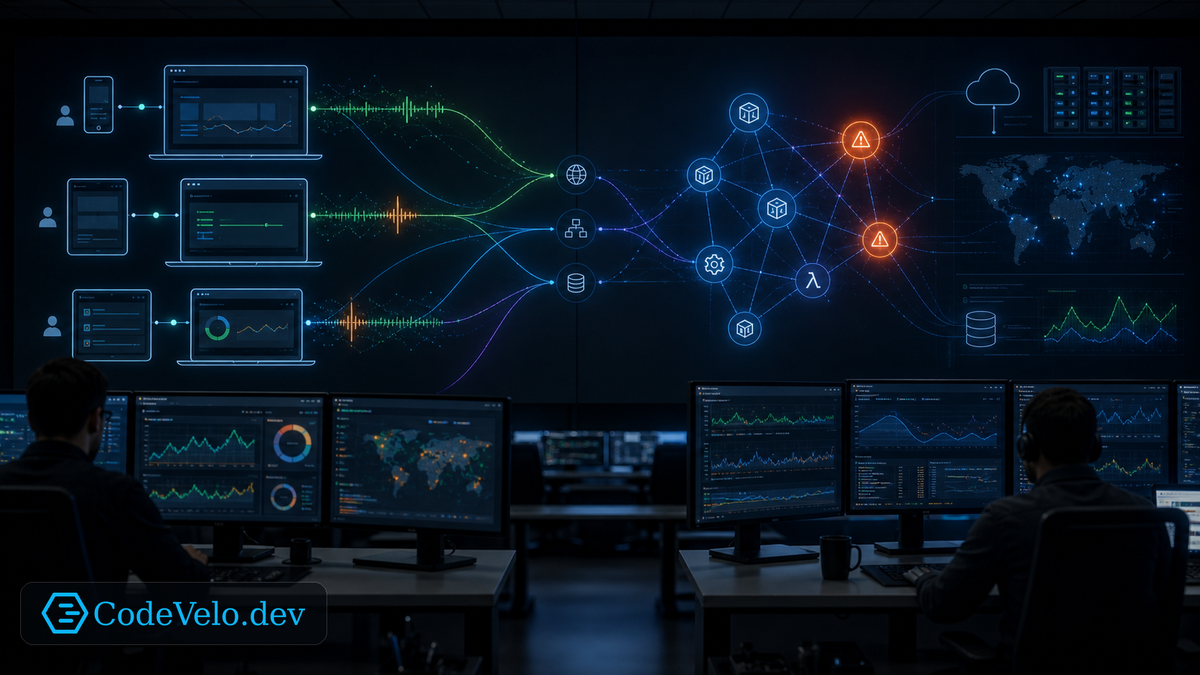
Monitoring answers known questions. Is the service up? Is CPU high? Did error rate cross a threshold? Is latency above the alert line?
Observability helps answer the questions you did not know to ask yet.
For frontend teams, that distinction matters because users can be frustrated long before the system looks broken. A dashboard may stay green while interactions feel delayed, hydration stalls, or one device class suffers.
The User Is The System Boundary
A backend can report healthy latency while the browser is overloaded. A CDN can serve fast bytes while JavaScript blocks input. An API can return 200 while the user cannot complete the task.
Real User Monitoring brings the boundary closer to the actual experience.
Metrics like INP, route-level timing, long tasks, hydration duration, error boundaries, and conversion steps show how the product behaves in the hands of users.
Monitoring Still Matters
This is not an argument against dashboards.
Monitoring is essential for known failure modes. It catches exhausted resources, high error rates, unavailable dependencies, and broken jobs. The weakness is that it can only alert on signals the team already decided to watch.
Observability adds context around those signals.
When INP worsens, teams need to know which route, device class, script, component, deployment, or third-party dependency changed. Without that context, the dashboard becomes a red light with no map.
Predict Frustration
The best teams look for leading indicators:
- Input delay rising before abandonment increases.
- Long tasks clustering after a release.
- Error boundaries appearing in one browser version.
- Client retries increasing in one region.
- Session replay markers showing repeated failed actions.
These signals predict user frustration before support tickets arrive.
Instrument The Experience
Useful frontend observability connects technical events to user journeys.
Track route transitions, component failures, edge fallback paths, form retries, interaction latency, and resource loading behavior. Add release identifiers and infrastructure context. Preserve enough detail to debug without collecting unnecessary personal data.
The goal is not more graphs. The goal is faster explanation.
Monitoring tells you when the known problem happened. Observability helps you understand the unknown problem while users are still deciding whether to leave.