
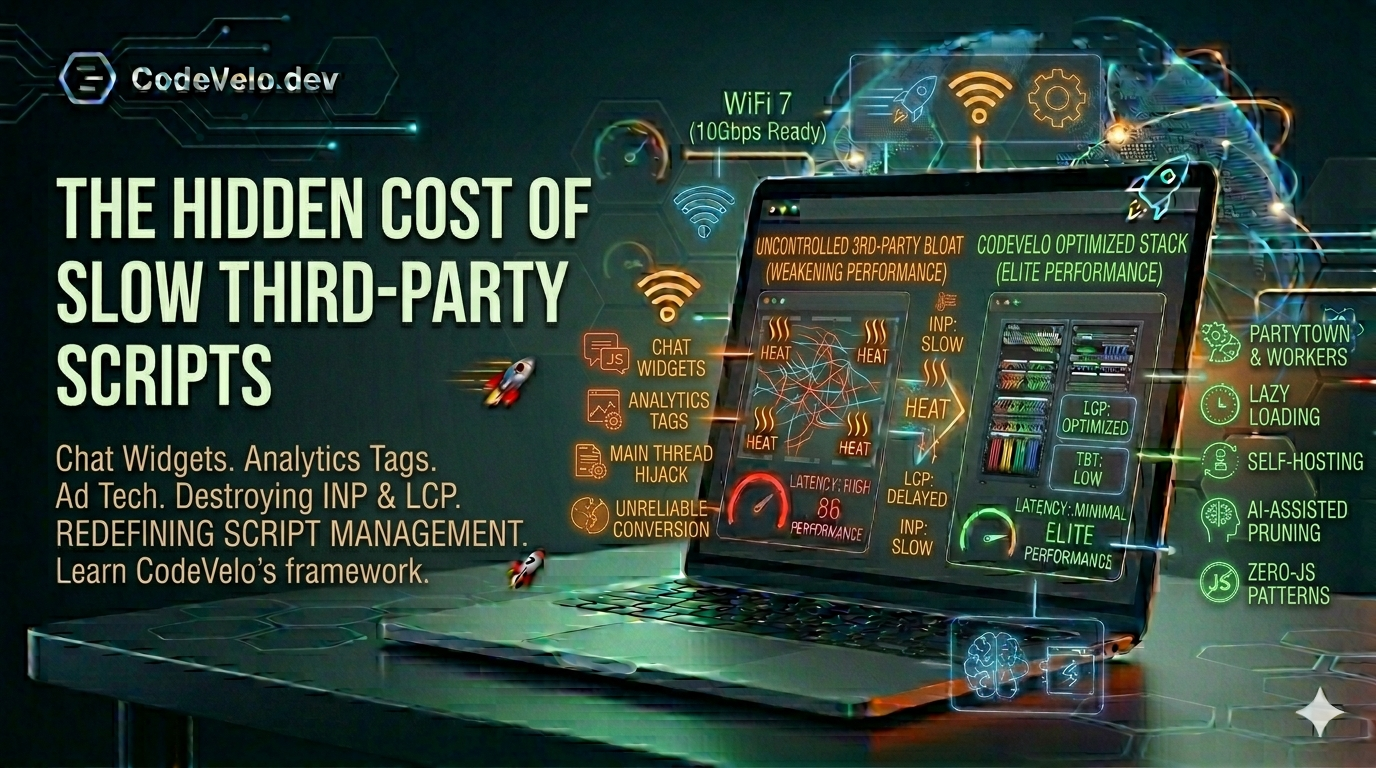
Every modern website is a mosaic of third-party integrations. We add chat widgets for engagement, analytics for insight, and tracking pixels for marketing attribution. Individually, these scripts promise to grow your business; collectively, they often act as an anchor on your site's performance.
At CodeVelo.dev, we call this "The Third-Party Tax." If you are building for 2026 Web Architecture, you must understand that every <script> tag you add is a liability to your Lightning-Fast Foundation.
1. The INP Silent Killer: Main Thread Hijacking
The newest Core Web Vital, Interaction to Next Paint (INP), is the most sensitive to third-party bloat. When a chat widget or a complex analytics suite loads, it doesn't just download—it executes.
These scripts often perform heavy computation on the main thread, the same thread responsible for responding to user clicks and scrolls.
- The Result: A user clicks a button, but the browser is busy parsing a 200KB marketing tag. The delay makes your site feel "stuck," leading to the frustration we detailed in Performance as a Product Feature.
2. LCP and the "Render-Blocking" Bottleneck
Many third-party scripts, particularly A/B testing tools and font loaders, are "render-blocking." This means the browser stops everything to fetch and run the script before it shows a single pixel to the user.
This directly destroys your Largest Contentful Paint (LCP). Even if your Edge-Native Rendering is perfect, a slow-loading third-party script can leave your user staring at a blank screen for seconds. This is why we advocate for Zero-JS Patterns whenever possible.
3. Security, Privacy, and the Physical Layer
Third-party scripts aren't just a performance risk; they are a security risk. In a Clean Rack Build, you wouldn't let a stranger plug a random device into your switch. Yet, many sites allow dozens of external domains to execute code on their users' machines.
Furthermore, every external script requires a DNS lookup and a TLS handshake. If your office is relying on a weak WiFi-only setup, these multiple small connections add up to significant latency, even before the code starts running.
4. How to Audit and Mitigate the Tax
You don't have to delete every widget, but you must manage them with a Site Speed Framework:
- Partytown & Web Workers: Move scripts off the main thread so they don't block user interactions.
- Lazy Loading: Don't load the chat widget until the user scrolls near the footer or hovers over the help icon.
- Self-Hosting: Whenever possible, host fonts and analytics locally to avoid extra DNS hops.
- AI-Assisted Pruning: Use AI-Assisted Web Performance tools to identify which scripts are providing value and which are just slowing you down.
The CodeVelo Verdict
Your third-party scripts should work for you, not against you. If your analytics tool is causing more users to bounce than it is helping you track, it's a net negative for your business. Treat your main thread as prime real estate—only the most essential code should live there.
Is your site buried under a mountain of marketing tags? Let CodeVelo audit your script execution and reclaim your speed. Discover how we optimize the modern stack at CodeVelo.dev.