
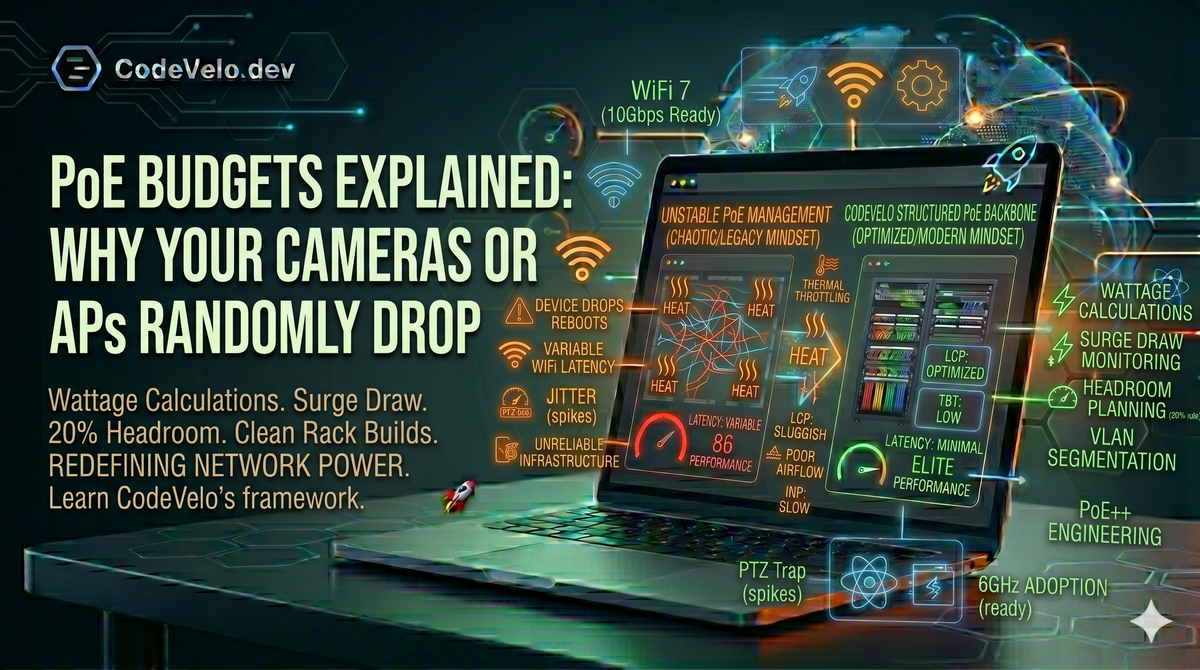
In the physical layer of Network Installation, Power-over-Ethernet (PoE) is often hailed as the ultimate convenience. It allows us to deliver both data and juice over a single Cat6A cable, enabling the Structured Cabling Backbones that modern offices depend on.
However, many small businesses and IT teams treat PoE as an "infinite" resource. They plug in high-resolution cameras, Wi-Fi 7 Access Points, and VoIP phones until the ports are full, only to be met with "phantom" reboots and mysterious connectivity drops.
At CodeVelo.dev, we know that these outages aren't random—they are the result of poor PoE Budgeting. If your physical power layer is unstable, your 2026 Web Architecture will suffer.
1. Understanding the "Total Power Budget"
Every PoE-capable switch has a Total Power Budget—the maximum wattage it can distribute across all ports combined.
The mistake most teams make is equating the number of ports with the power capacity. A 24-port switch might only have a 190W power supply. If you plug in 20 Access Points that draw 15W each, you have a 300W requirement on a 190W budget.
The Result: The switch will either refuse to power the last few devices or, more dangerously, it will "brown out," causing devices to reboot under load.
2. Idle Draw vs. Surge Draw (The PTZ Trap)
Devices don't draw a constant amount of power.
- Idle Draw: What the device pulls when it's just sitting there.
- Surge Draw: What the device pulls when it's working hard.
A classic example is a Pan-Tilt-Zoom (PTZ) camera. It may idle at 8W, but the moment the motors move or the Infrared (IR) night vision kicks in, that draw can spike to 25W. Similarly, a Wi-Fi 7 Access Point will pull significantly more power when handling 50 concurrent client streams than when the office is empty.
If your budget is calculated based on idle numbers, your network will collapse exactly when your team needs it most.
3. PoE Standards: AF, AT, and BT
In 2026, the standard "PoE" (802.3af) is rarely enough. High-performance hardware requires more:
- PoE+ (802.3at): Up to 30W per port. Required for most Wi-Fi 6 APs.
- PoE++ (802.3bt): Up to 60W or even 90W per port. Required for high-end Wi-Fi 7 APs and heated outdoor cameras.
Mixing these standards on a Clean Rack Build without checking the switch's per-port allocation leads to "Port Negotiating" loops, where the device tries to boot, fails, and restarts indefinitely.
4. Headroom: The 20% Rule
At CodeVelo, our Site Speed Framework extends to electrical engineering. We never spec a switch at 100% capacity.
We recommend a 20% Headroom. If your hardware requires 200W, your switch should have a budget of at least 240W. This account for:
- Line Loss: Power lost as heat over long cable runs.
- Component Aging: Power supplies become less efficient over time.
- Ambient Temperature: Hotter environments (common in messy server closets) reduce a switch's ability to deliver maximum power.
The CodeVelo Verdict
When an Access Point drops, the typical response is to blame the software or the ISP. But in our experience, the culprit is often a starving power supply. PoE budgeting is a critical Product Feature of your infrastructure—it ensures the reliability your users expect.
Are your devices dropping under pressure? Let CodeVelo audit your power distribution and rack architecture. We build networks that don't just connect—they stay powered. Explore our infrastructure audits at CodeVelo.dev.