
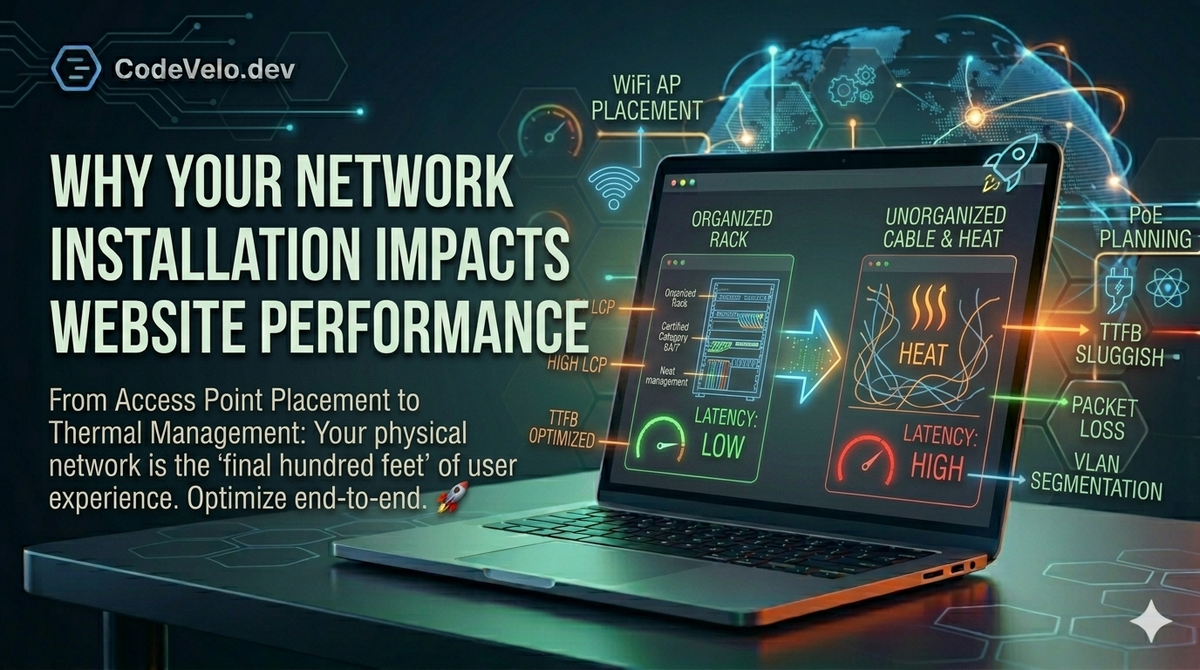
When we talk about web performance at CodeVelo.dev, we usually focus on the JavaScript Tax or Edge Caching. But there is a physical reality to data that many developers overlook: the local network.
If your internal infrastructure is poorly designed, even the most optimized React Server Components will feel sluggish. Website performance isn't just about the distance between the server and the user; it's about the quality of the final "hundred feet" of the connection.
1. Access Point (AP) Placement and Latency
Wireless interference is the silent killer of Time to First Byte (TTFB). In a professional office or retail environment, poorly placed Access Points lead to packet loss and high jitter.
When a browser has to re-request a packet due to a collision on a congested Wi-Fi channel, your Lighthouse Scores become irrelevant. Strategic AP placement ensures that the handoff between nodes is seamless, maintaining the high-speed connection necessary for modern Edge-Native Rendering.
2. PoE Planning and Device Reliability
Power over Ethernet (PoE) is the backbone of modern office hardware, from VoIP phones to high-end cameras and APs. If your PoE budget is mismanaged, devices may experience intermittent brownouts or reboots.
A flickering network switch doesn't just cut off the internet; it introduces micro-outages that break long-lived connections (like WebSockets) and force your application to re-initialize. This adds unnecessary "re-hydration" costs that can be avoided with a professional load-balancing power strategy.
3. Rack Organization and Thermal Throttling
A "spaghetti" rack isn't just an aesthetic nightmare; it’s a performance hazard. Poor cable management restricts airflow, leading to heat buildup in switches and routers.
When networking hardware overheats, it throttles its processing speed to prevent damage. This leads to increased latency at the hardware level. Just as we use Frontend Tooling Essentials to keep our code lean, professional rack organization keeps your hardware running at peak efficiency.
4. Building a Resilient Local Foundation
To truly Scale Without Sacrificing Speed, your infrastructure must be documented and tested. A professional installation includes:
- Certified Category Cabling (Cat6A/Cat7): To support 10Gbps+ internal speeds.
- Structured Labeling: For rapid troubleshooting during a Performance Regression.
- VLAN Segmentation: To ensure that guest Wi-Fi traffic doesn't starve your critical production servers of bandwidth.
The CodeVelo Verdict
Your website is only as fast as the network it travels through. While we pride ourselves on building Lightning-Fast Foundations through code, those efforts are amplified when backed by professional-grade network installation.
Is your local network throttling your potential? Performance is an end-to-end game. Ensure your physical layer is up to the task at CodeVelo.dev.