
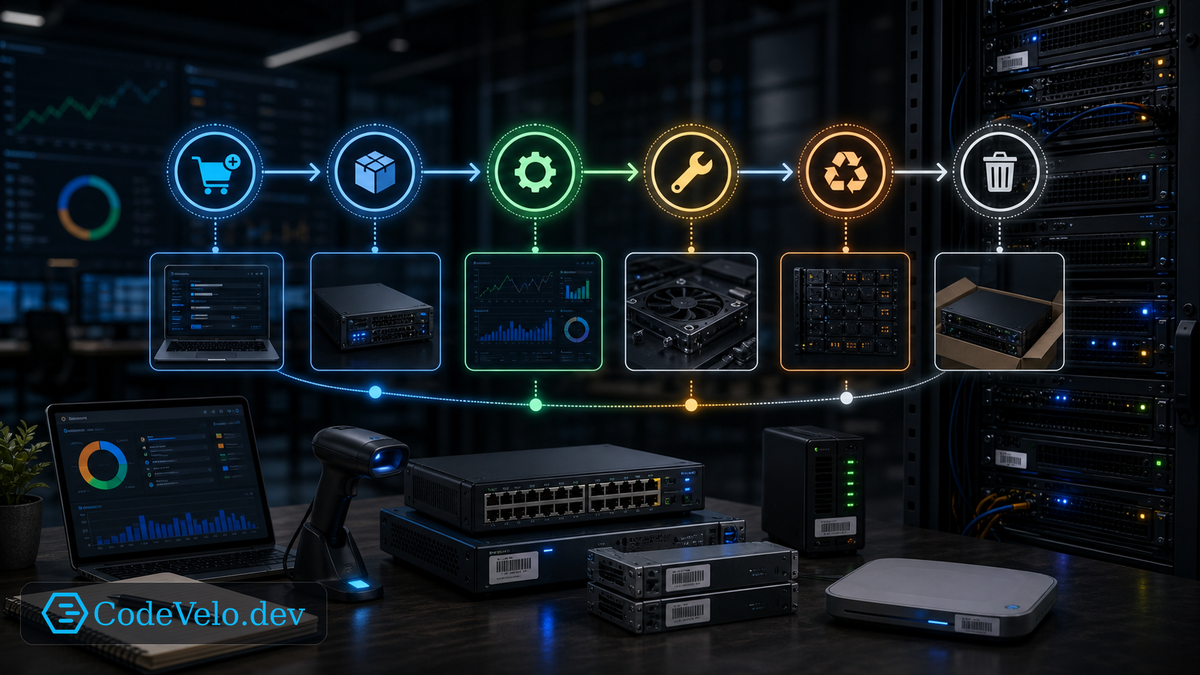
An asset inventory is not enough.
A spreadsheet can tell you a switch exists. It may not tell you whether it is still supported, monitored, patched, assigned to an owner, tied to a circuit, or safe to retire.
Asset lifecycle automation treats hardware as a living operational object.
Start Before Installation
Lifecycle begins when the asset is requested.
Capture business purpose, owner, location, expected dependencies, warranty, support plan, power needs, network role, and monitoring requirements. The install should not create a mystery device.
Good intake prevents messy operations later.
Connect Inventory To Reality
Automation should reconcile inventory against discovery data.
If a device appears on the network but is not in inventory, flag it. If inventory says a device is active but monitoring has not seen it in weeks, investigate. If firmware or support status falls out of policy, create work.
The source of truth should argue with reality until both improve.
Retirement Is A Security Event
Decommissioning is often where risk hides.
Retired assets should be removed from monitoring, DNS, backup jobs, management systems, firewall rules, switch configs, vendor portals, and physical racks. Credentials and certificates should be revoked. Storage should be wiped or destroyed.
An abandoned device is still part of the attack surface if the environment trusts it.
Make The Lifecycle Visible
Asset lifecycle data should support planning.
Which switches are near end-of-support? Which UPS batteries are due? Which cameras are on old firmware? Which sites have unsupported firewalls? These questions should not require a manual audit every time.
Automation makes asset management useful when it turns inventory into action.