
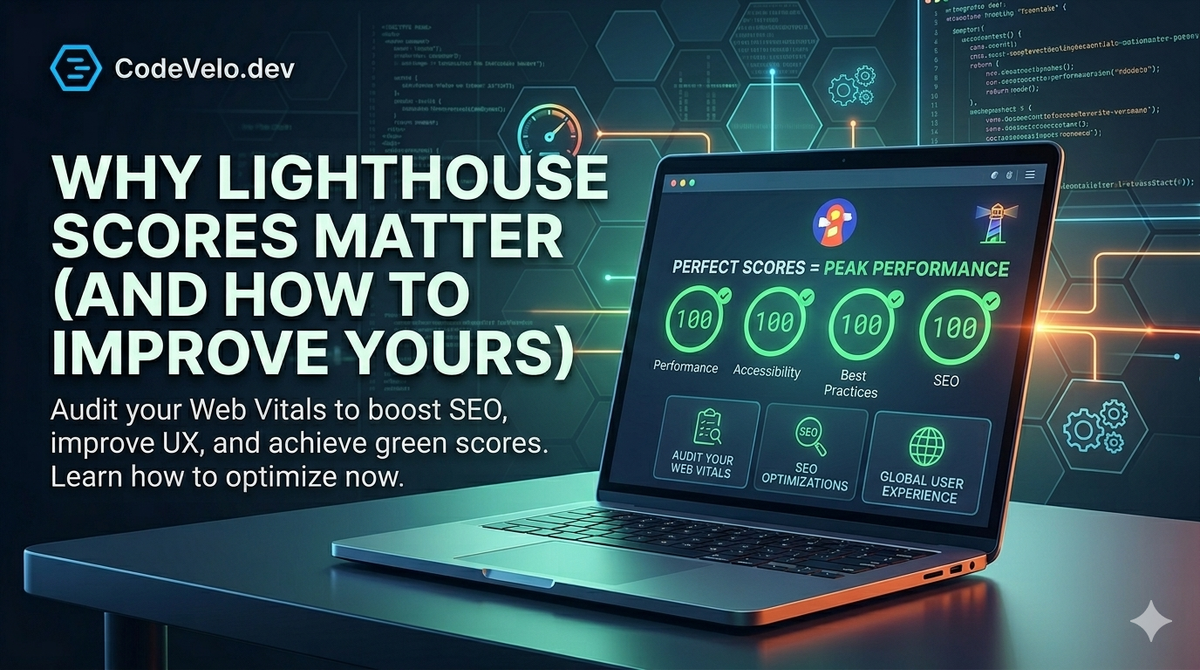
If you’ve spent any time in the web development world, you’ve likely seen the green circles of a perfect Google Lighthouse report. But for many teams, those scores feel like a "vanity metric"—something that looks good on a slide deck but doesn't necessarily impact the day-to-day.
At CodeVelo.dev, we see it differently. A Lighthouse score isn't just a grade; it's a diagnostic health check for your business. Low scores are early warning signs of high bounce rates, poor search rankings, and lost revenue.
Here is why your scores matter and how to move the needle from "red" to "green."
Breaking Down the "Big Four"
Lighthouse measures four distinct categories. Understanding the nuances of each is the first step toward optimization.
1. Performance
This is the heaviest hitter. It measures how quickly your content loads and how soon users can interact with it. It’s primarily driven by Core Web Vitals like LCP (Largest Contentful Paint) and TBT (Total Blocking Time). As we discussed in our guide to Building Lightning-Fast Websites with Modern Web Stacks, your choice of framework—whether it's Next.js or Svelte—drastically dictates your baseline performance score.
2. Accessibility (a11y)
Accessibility is about ensuring everyone, including those using screen readers or assistive technology, can navigate your site. Lighthouse checks for color contrast, ARIA attributes, and semantic HTML. High accessibility scores aren't just about compliance; they broaden your market reach.
3. Best Practices
This category checks the "hygiene" of your site. Are you using HTTPS? Are your images displayed with the correct aspect ratio? Are you avoiding deprecated APIs? High scores here indicate a secure, modern codebase.
4. SEO
While Lighthouse doesn't guarantee a #1 spot on Google, it ensures that your site is crawlable. It checks for meta tags, descriptive alt text, and mobile-friendliness.
Why "Good Enough" is Costing You Money
Why should you care about hitting a 90+ score?
- Search Visibility: Google uses performance as a ranking signal. A faster site literally moves you up the search results.
- User Retention: For every second of load time, conversion rates drop by approximately $7\%$. If your performance score is in the 40s, you are actively pushing customers to your competitors.
- Lower Operational Costs: Optimized sites use less bandwidth and fewer server resources. This fits perfectly into our Edge Deployment strategy: the lighter the site, the more efficient the global distribution.
How to Improve Your Score: The CodeVelo Approach
Improving your score isn't about a one-time "cleanup." It requires a shift in engineering culture. Here is how we do it:
Implement Performance Budgets
Don't let a heavy image or a bloated library tank your score. We advocate for setting strict limits during Performance Optimization Every Sprint. If a PR drops the Lighthouse score by more than 5 points, it gets sent back to the dev.
Optimize the Critical Rendering Path
To boost your Performance score, you must prioritize what the browser loads first.
- Defer non-essential JS: Use the
deferorasyncattributes. - Inline critical CSS: Get the "above the fold" content styled immediately.
- Modern Tooling: Use the Frontend Tooling Essentials of 2025—like Vite—to ensure your development environment matches your optimized production output.
Image Modernization
Images are usually the biggest culprit for low scores. Switch to modern formats like WebP or AVIF, and always use responsive image tags (srcset) to ensure mobile users aren't downloading desktop-sized assets.
The CodeVelo Verdict
A Lighthouse score is a reflection of your team’s discipline. A perfect 100 isn't always the goal—real-world tradeoffs exist—but a consistently high score indicates a healthy, user-centric application. Stop guessing why your site feels slow and start measuring.
Is your Lighthouse report stuck in the red? Let us help you audit and accelerate your workflow at CodeVelo.dev.