
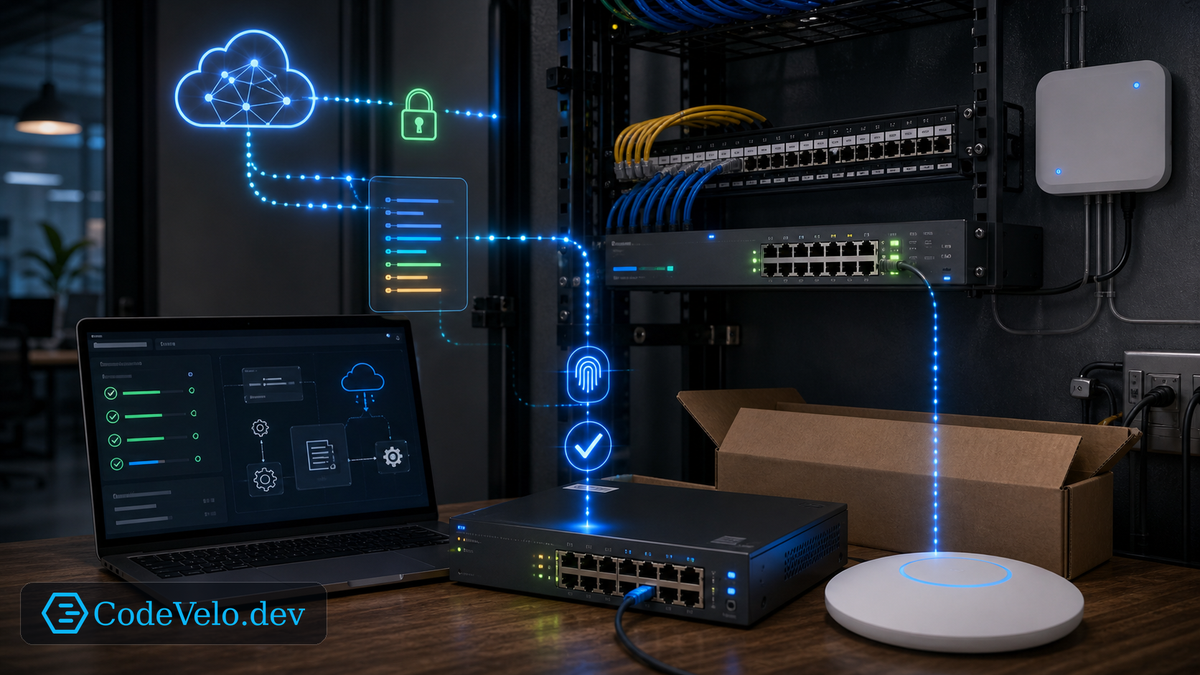
Small business networks often grow through one-off installs. A switch is added here, an access point there, a firewall rule during a deadline, a camera VLAN after a vendor visit.
Eventually nobody is sure which configuration is intentional.
Zero-touch provisioning helps by making new devices inherit a known design instead of a local memory.
Templates Create Consistency
A good provisioning template defines the baseline:
- Management access.
- VLANs and trunk behavior.
- Logging and monitoring.
- Firmware channel.
- Port profiles.
- Wireless SSIDs and security.
- Backup and recovery settings.
The device should arrive with an expected role, not an empty configuration prompt.
Identity Comes First
Zero-touch does not mean zero control.
Devices need to prove who they are before receiving configuration. That may involve serial numbers, certificates, vendor cloud enrollment, or a controlled staging process. A provisioning system that accepts any device on the network becomes a security problem.
Automation should reduce setup work, not trust unknown hardware.
Physical Labels Still Matter
Provisioning can configure the device, but someone still has to install it in the right place.
Use labels, rack diagrams, port maps, and photos. Tie the device identity to a room, rack, port, and power path. If the system says "closet switch B" but the installer puts it in closet A, automation will faithfully deploy the wrong intent.
The physical layer is part of the provisioning workflow.
Plan For Replacement
The strongest zero-touch use case is hardware replacement.
When a switch fails, the team should be able to install a replacement, assign the intended role, and let the system restore the approved configuration. That reduces outage time and prevents rushed manual mistakes.
Small business networks deserve repeatability. Zero-touch provisioning brings that repeatability within reach, as long as the trust boundaries are real.